You can share your projects with other QMob dashboard users. For example, you might allow them to access reports, or create questions within your project.
To share a project:
- In the project list, select the project you wish to share.
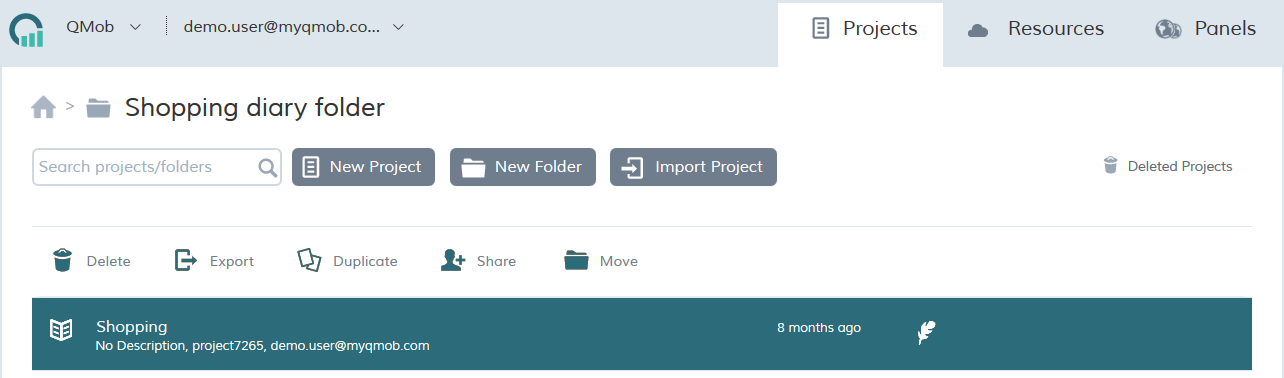
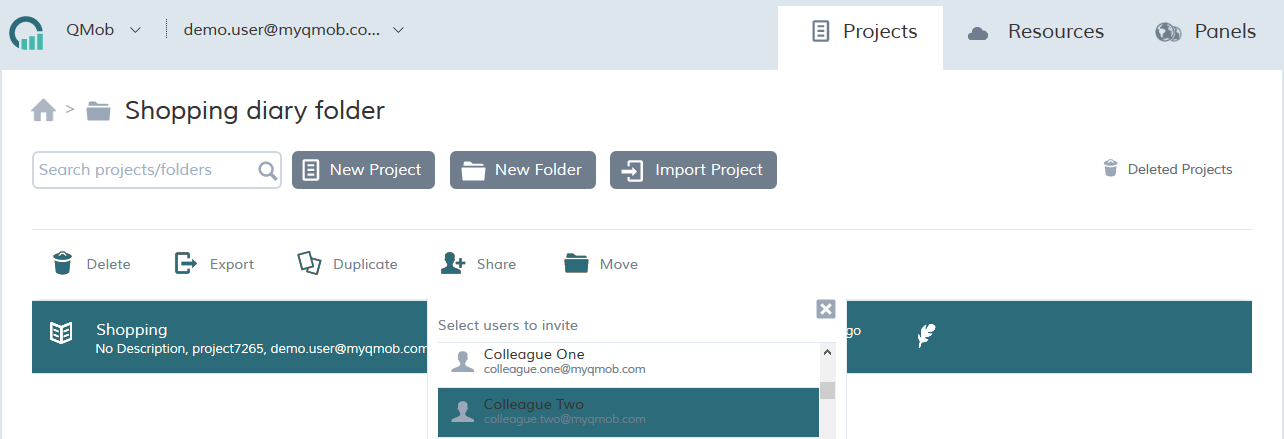
- In the action toolbar at the top of the list, click share.

- In the list of registered users, select the appropriate user and click Invite.
For further information on managing users within your company dashboard account, please refer to managing user accounts.